Your mini movie course teaches you to make an episode. This runs the series.
It's how I run Addi on my own: planning what to make, finishing it, posting it and seeing what works. You work in Claude, in one folder for your series, and talk to it in plain words like "new episode" or "publish this for Sunday 11am".
Your board
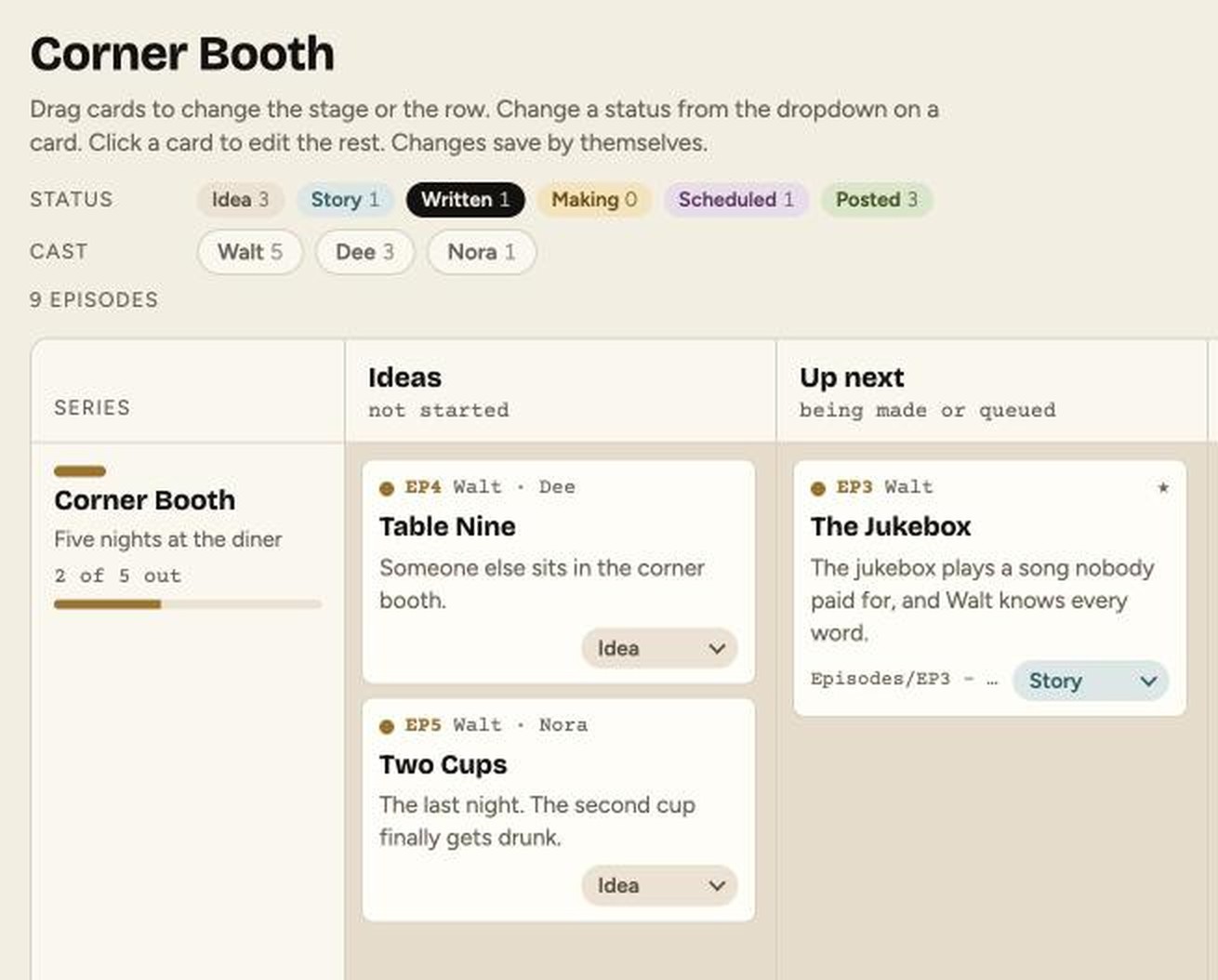
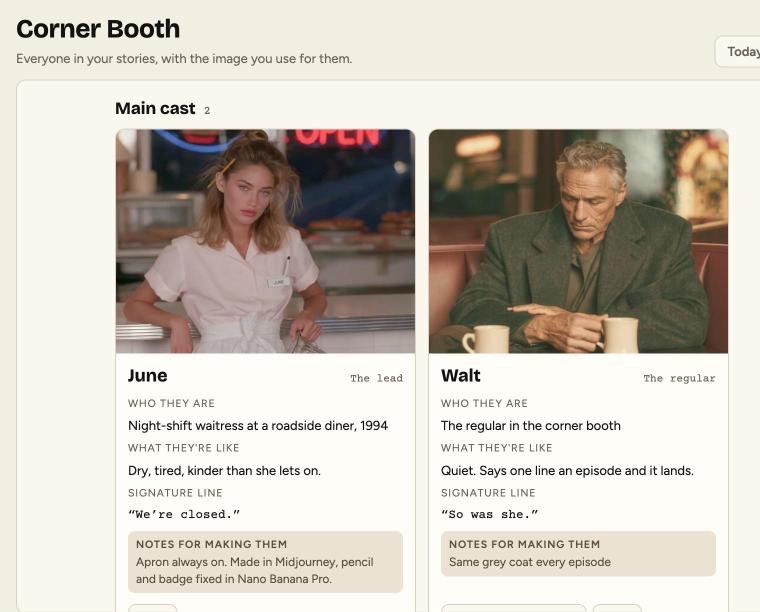
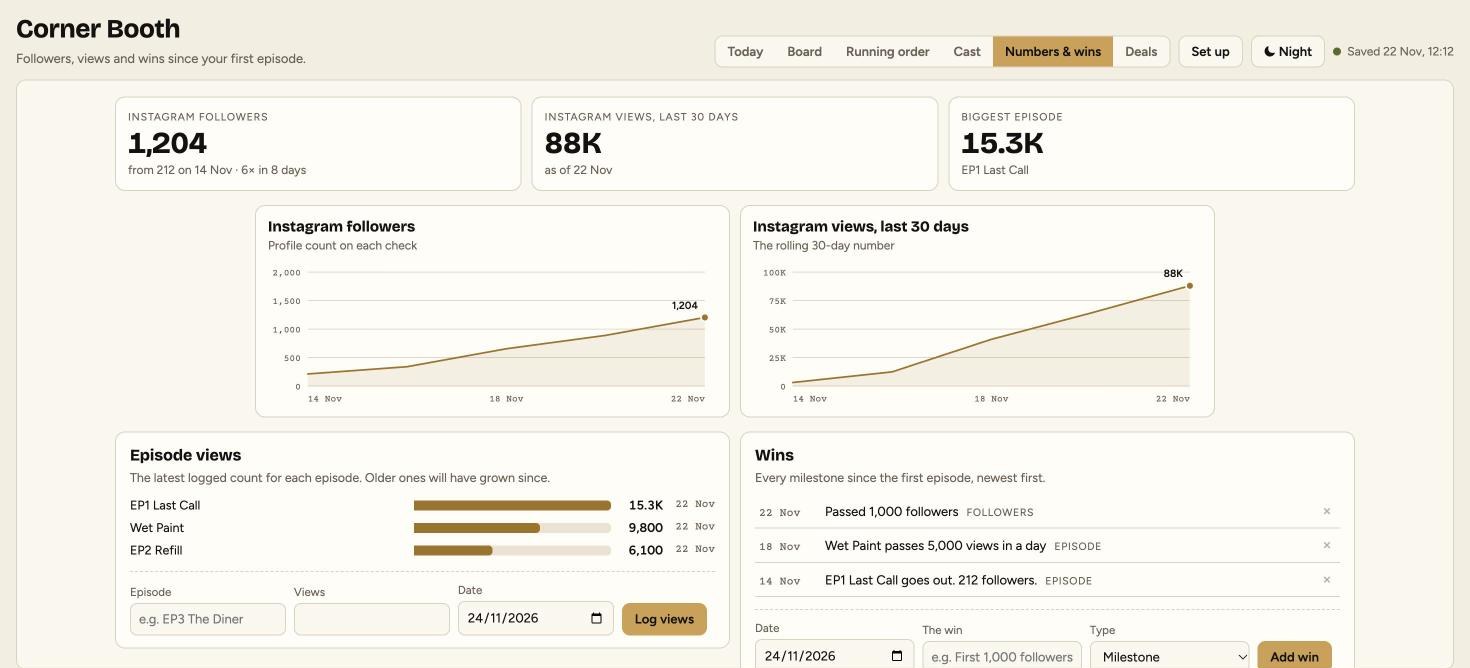
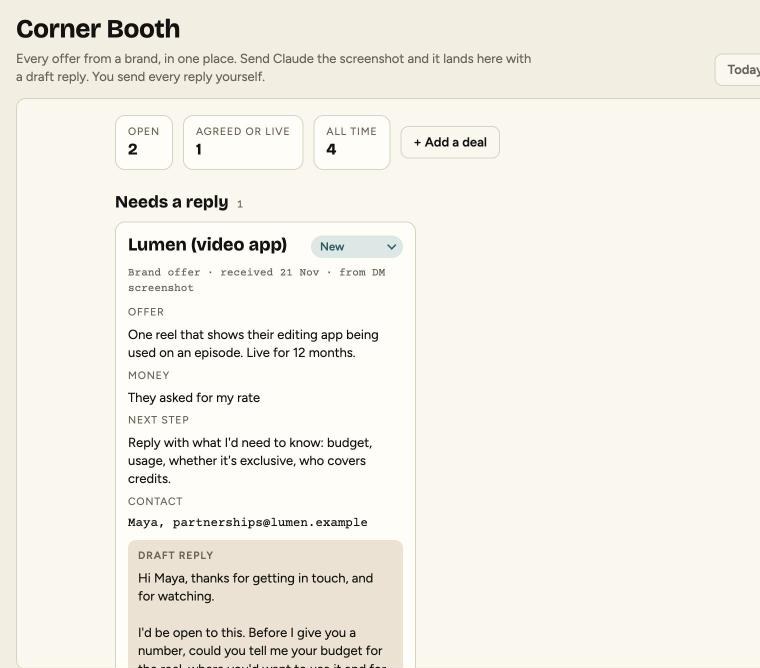
One page for your whole series: every episode as a card, what's being made, what's going out, what's waiting on you, your cast, your numbers and any brand deals. It opens on your computer and your phone.
Your Post Queue
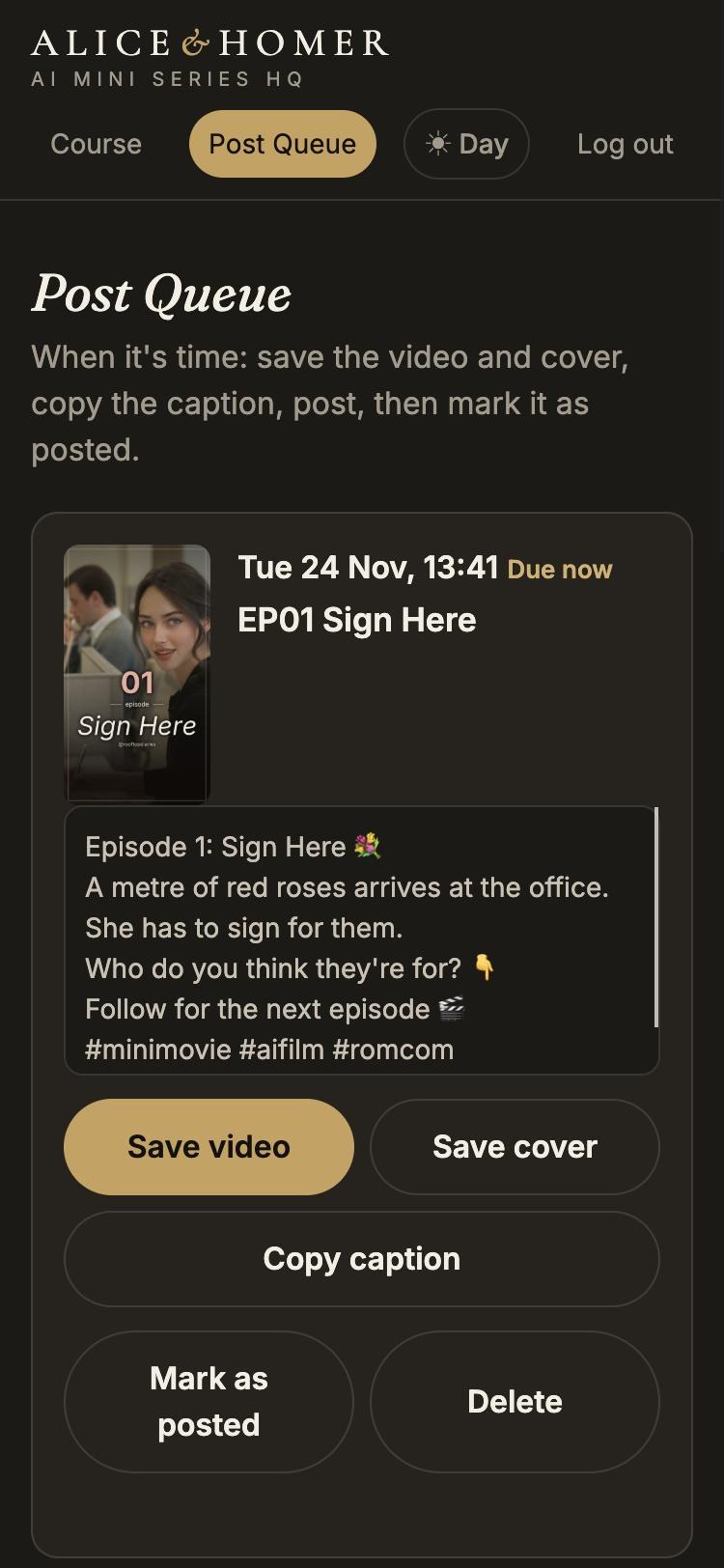
A posting tool for your phone. Finished episodes wait with their video, cover and caption. When it's time, you save the video, copy the caption and post.
Your course, plugged in
You keep the mini movie course you already have. Drop its tools into the chat once, and Claude runs them in order (story, stills, video prompt) every time you make an episode.
- Files everything. You drop clips, pictures and screenshots into the chat and never sort a folder.
- Runs your course's tools in order and stamps each step, so you never skip your course's method.
- Quotes the credits before it spends any, with the resolution and length.
- Makes the video if your tool is connected, then opens it for you to watch.
- Checks every second of the clip and tells you what's wrong, with times.
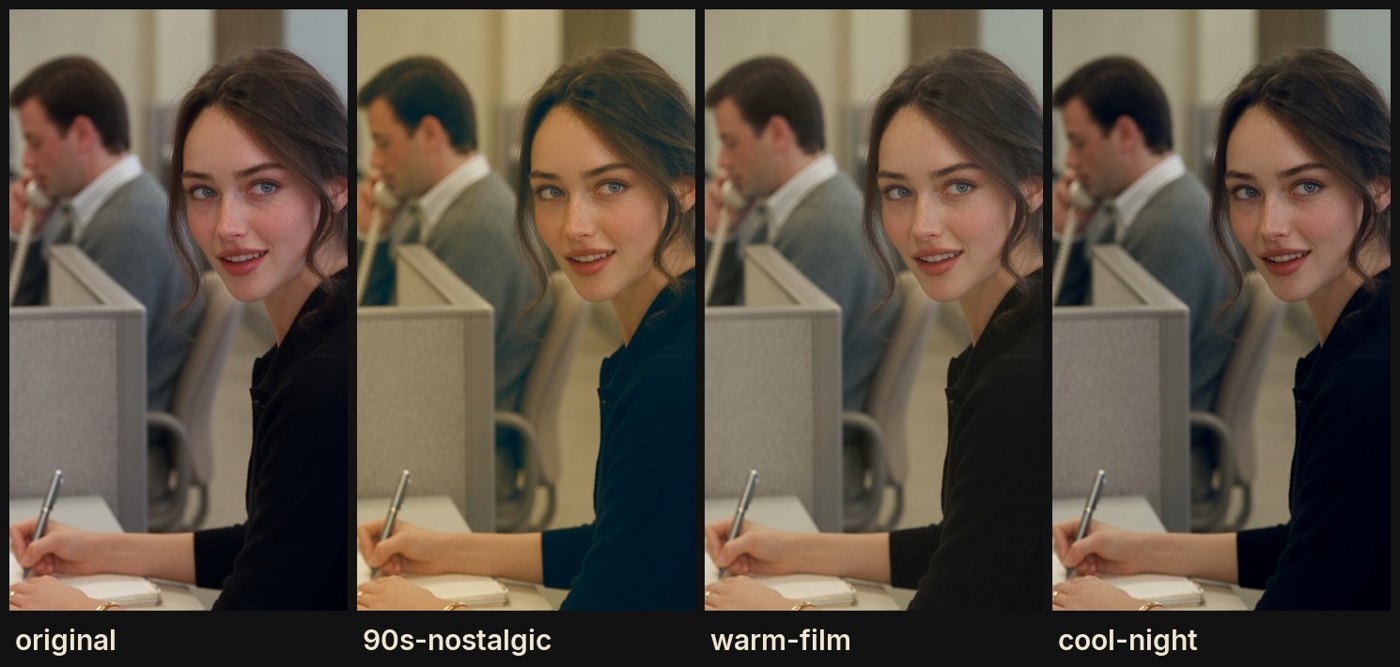
- Grades it in your own look, adds subtitles, makes the cover and writes the caption.
- Sends it all to your Post Queue for the day and time you choose.
- Builds your daily story sets, a week of Threads and your Pinterest pins.
- Logs your numbers and tells you what's working, with real figures only.
- Keeps your board up to date at the end of every chat.

Who is it for?
People who already own a mini movie course with its own tools. This doesn't replace your course or teach you to make an episode. It runs everything around it.
What do I need?
A Mac or Windows computer, a paid Claude plan, and an account with the tool you make your videos in.
Already posting?
Good. Set-up asks where you are (your first episode, what's out, what's next) and carries on from there, with your journey so far in your stats.
Does Claude post for me?
Never. You make the creative calls and you always post yourself. Claude never spends your video credits without asking first.
Make the episodes. Let the HQ run the rest.
Set-up takes an afternoon. After that it's the routine you repeat for every episode.